
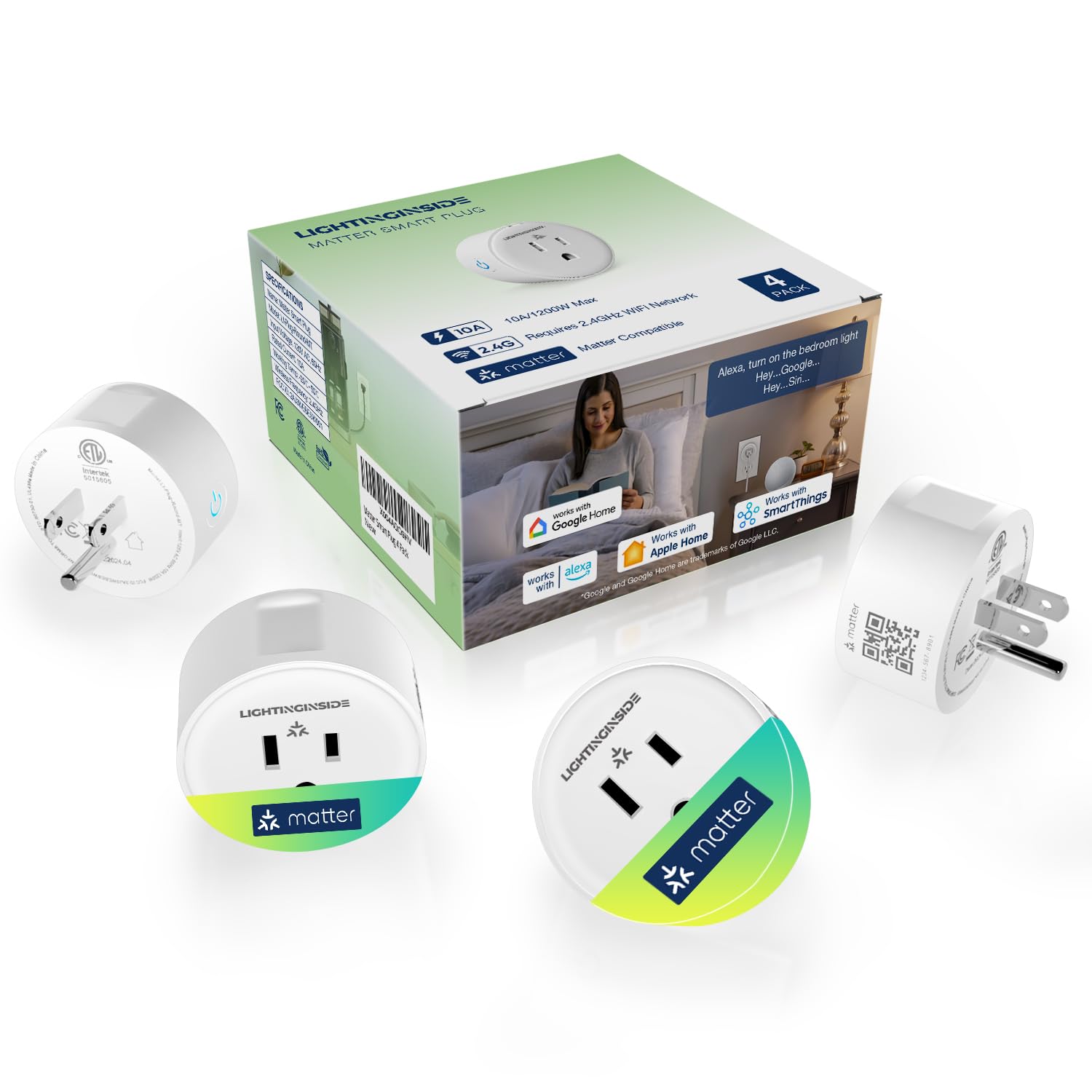
Lightinginside Matter Smart Plug, Compatible with Apple Home/Siri/Alexa/Google Home/SmartThings, Smart Outlet Socket, ETL Listed, APP Remote Control,Timer&Schedule, 2.4G WiFi Only, Hub Required, 4PCS
$18.99
Related Products


Product description
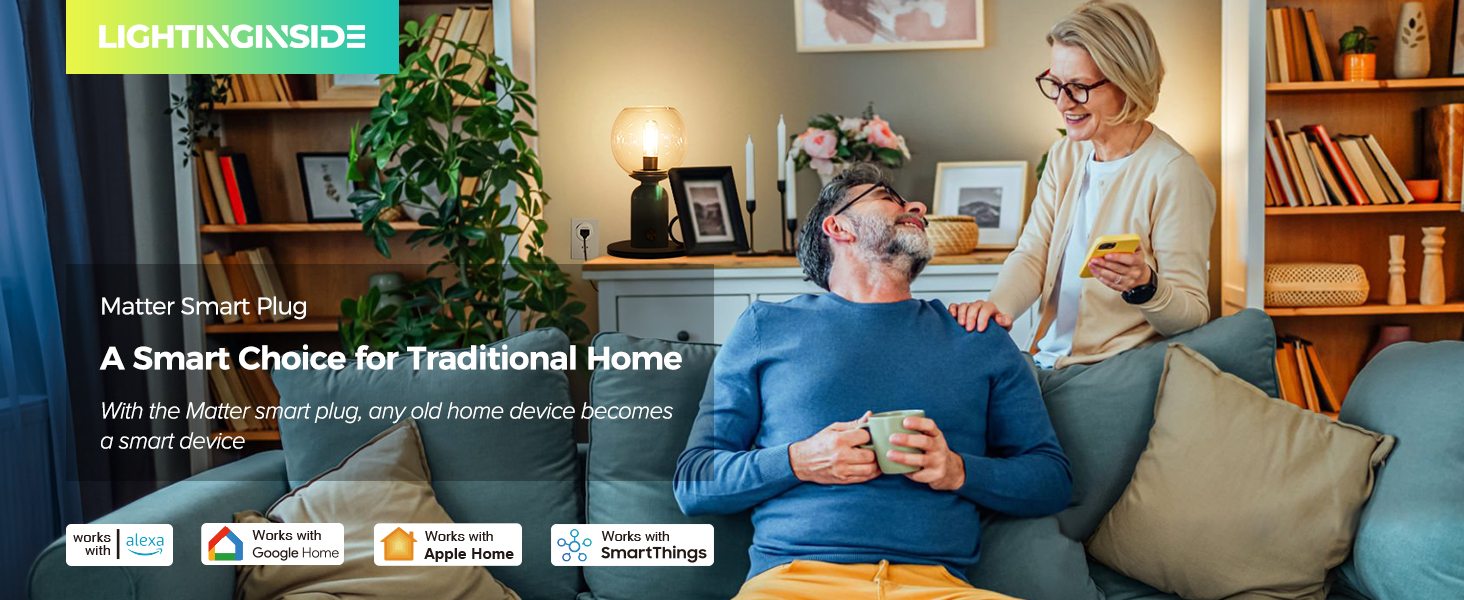
Make Traditional Devices Smart 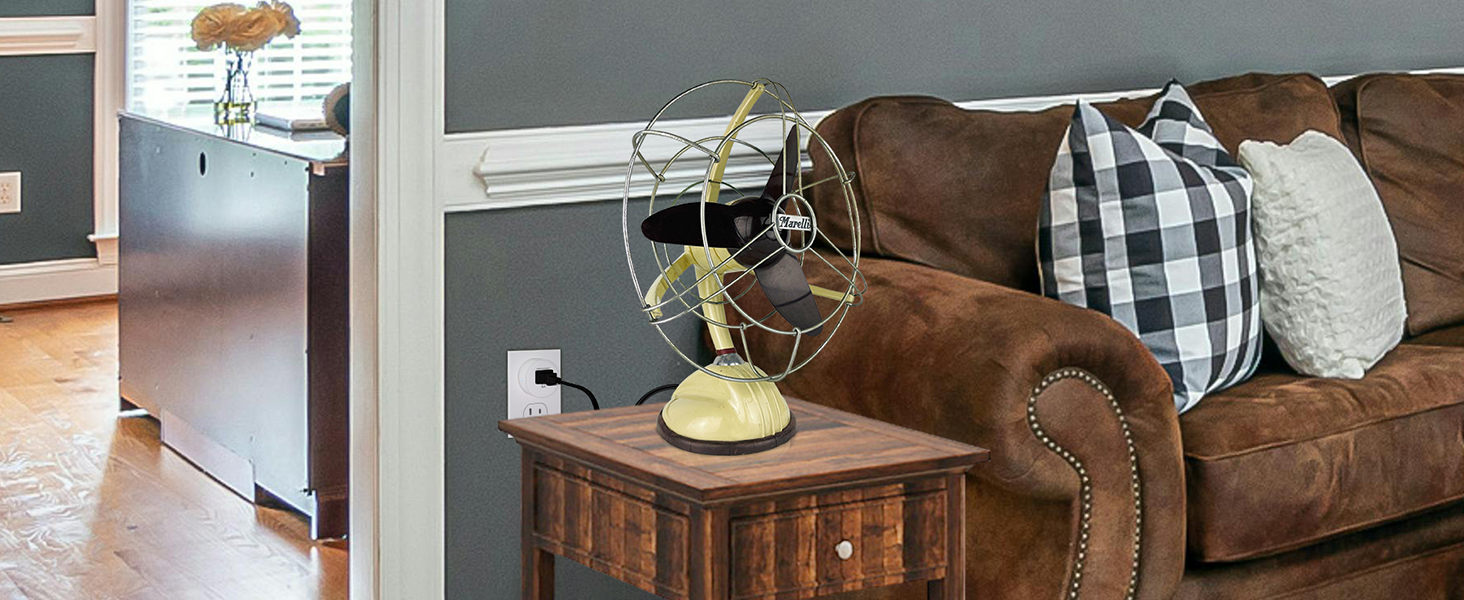
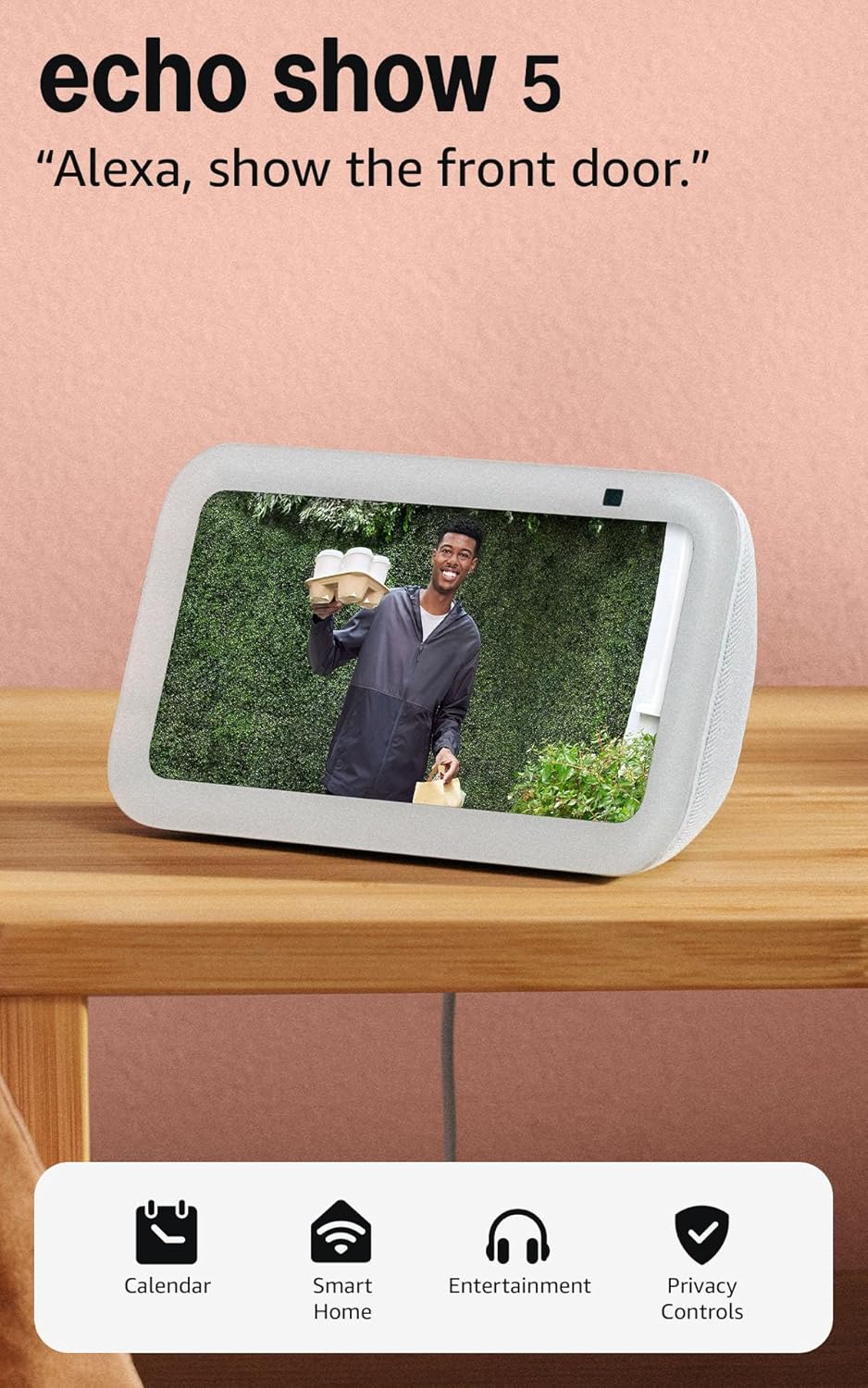
Say Goodbye to Downloading 3rd-party Apps Work with Alexa
Control the smart plug effortlessly using voice commands or the Alexa App.
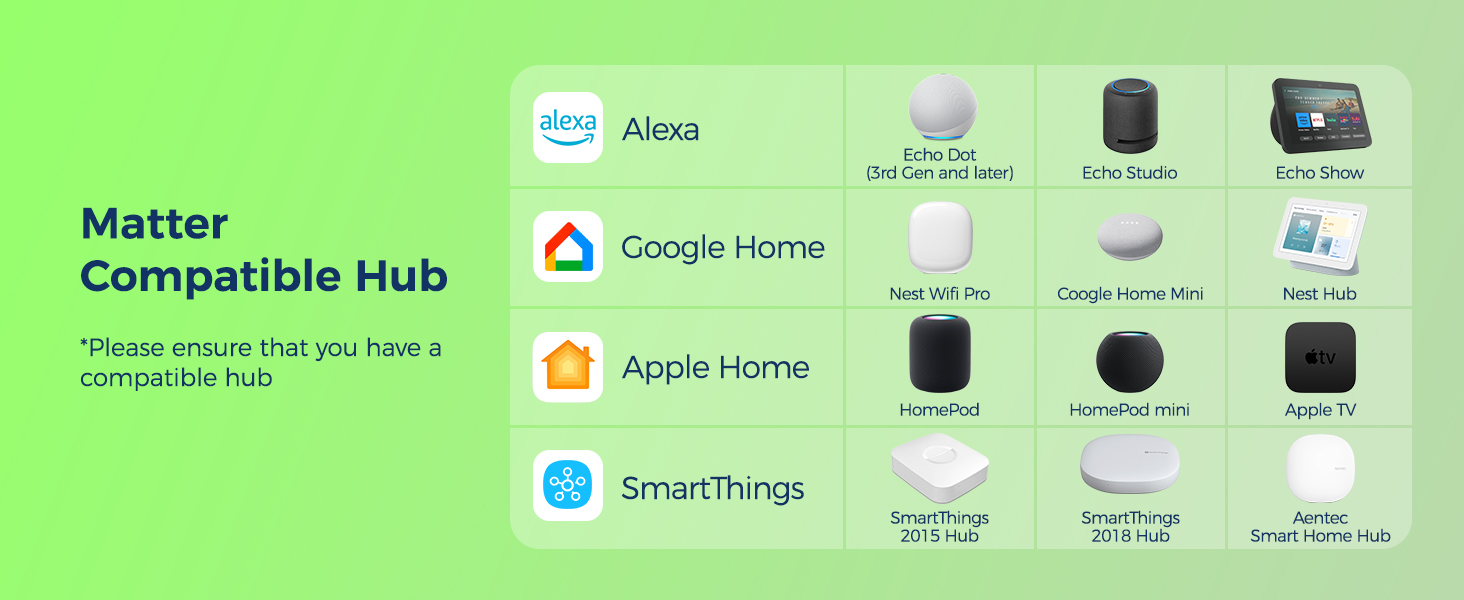
* A Matter-compatible Alexa hub is required.
 Work with Apple Home
Control the smart plug effortlessly using voice commands or the Apple Home App.
* A Matter-compatible Apple Home hub is required.
 Work with Google Home
Control the smart plug effortlessly using voice commands or the Google Home App.
* A Matter-compatible Google Home hub is required.
 Compatible with SmartThings
Control the smart plug effortlessly using the SmartThings APP.
* A Matter-compatible SmartThings hub is required.


App & Voice Control
Grandmother won’t have to hobble to switch on and off home appliances.
 Strong Security
Turn on home lights remotely to deter burglars, even when you’re away.
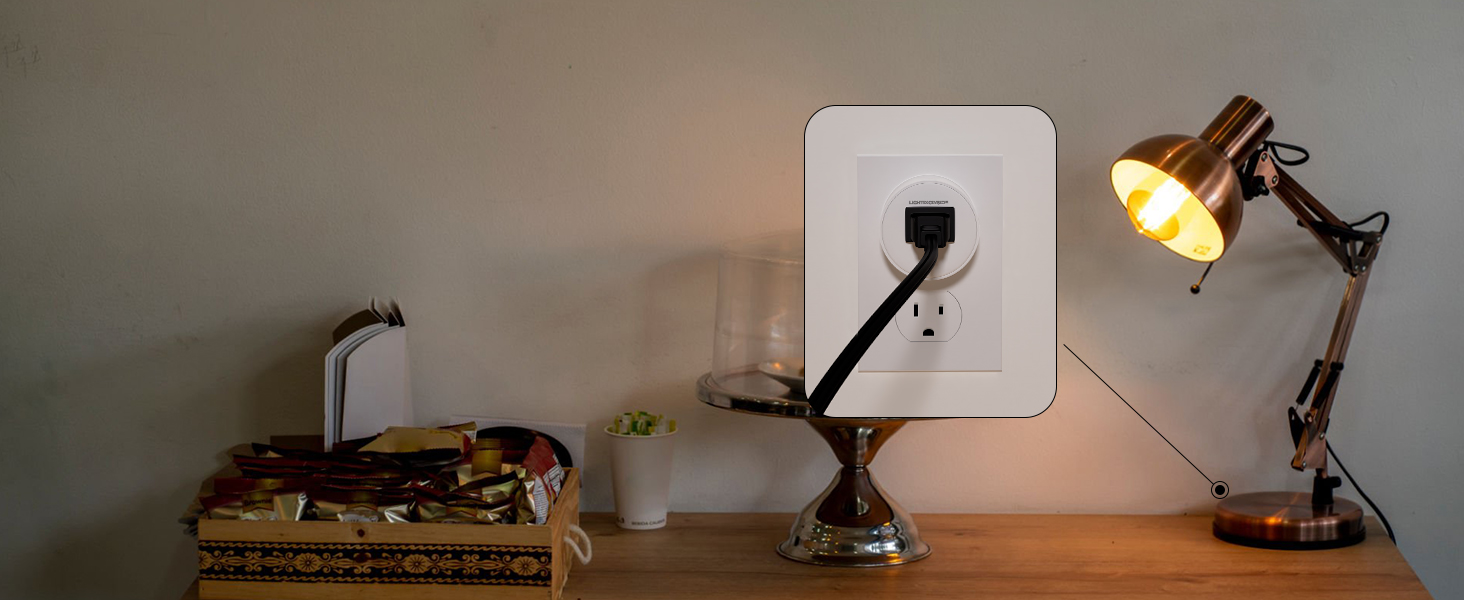 Space-efficient
Saving space and won’t block other outlets
 Set a Routine
Schedule your lights to turn on or off and then enjoy a smart home
1 Smart Control
2 Off-home Control
3 Compact Design
4 Routine
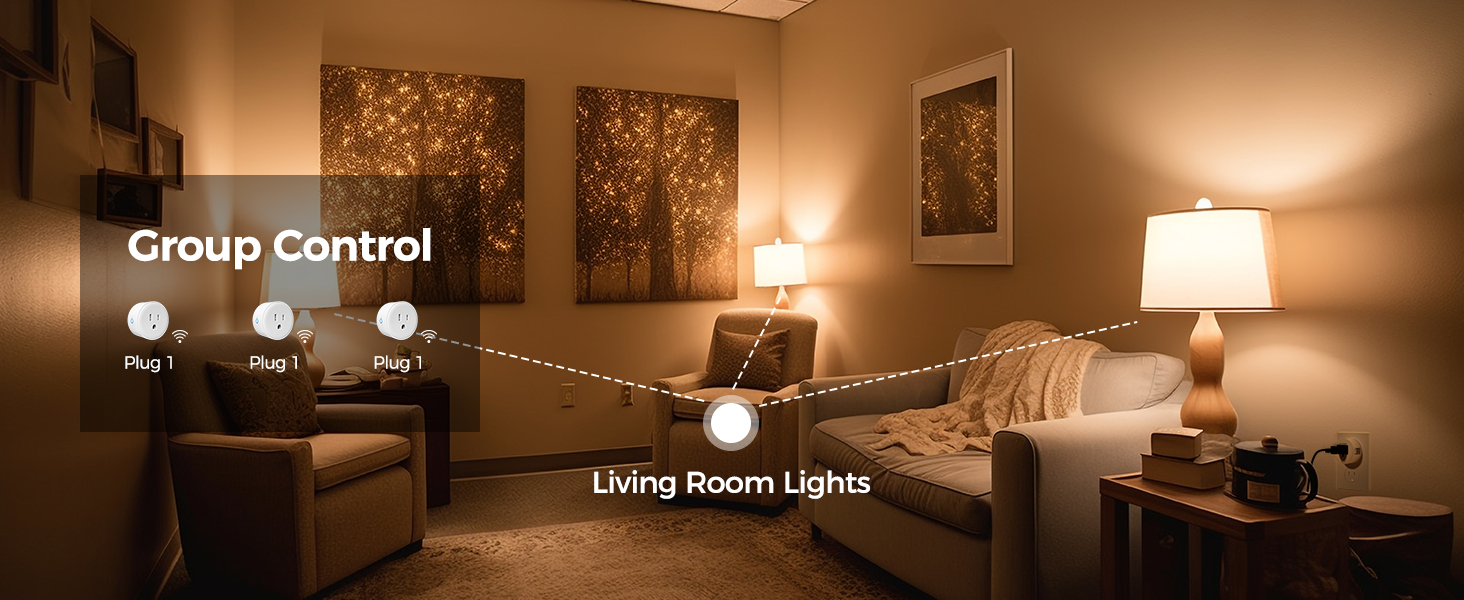
5 Group Control
Enjoy Matter Smart Plugs
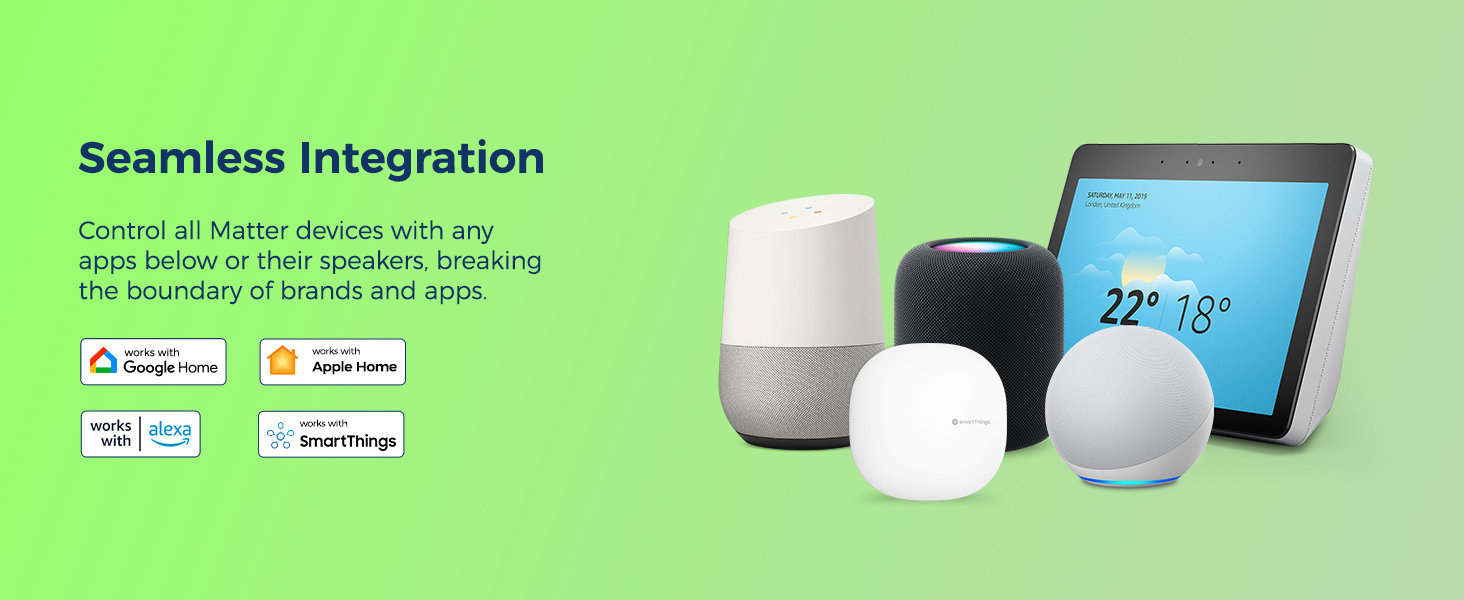
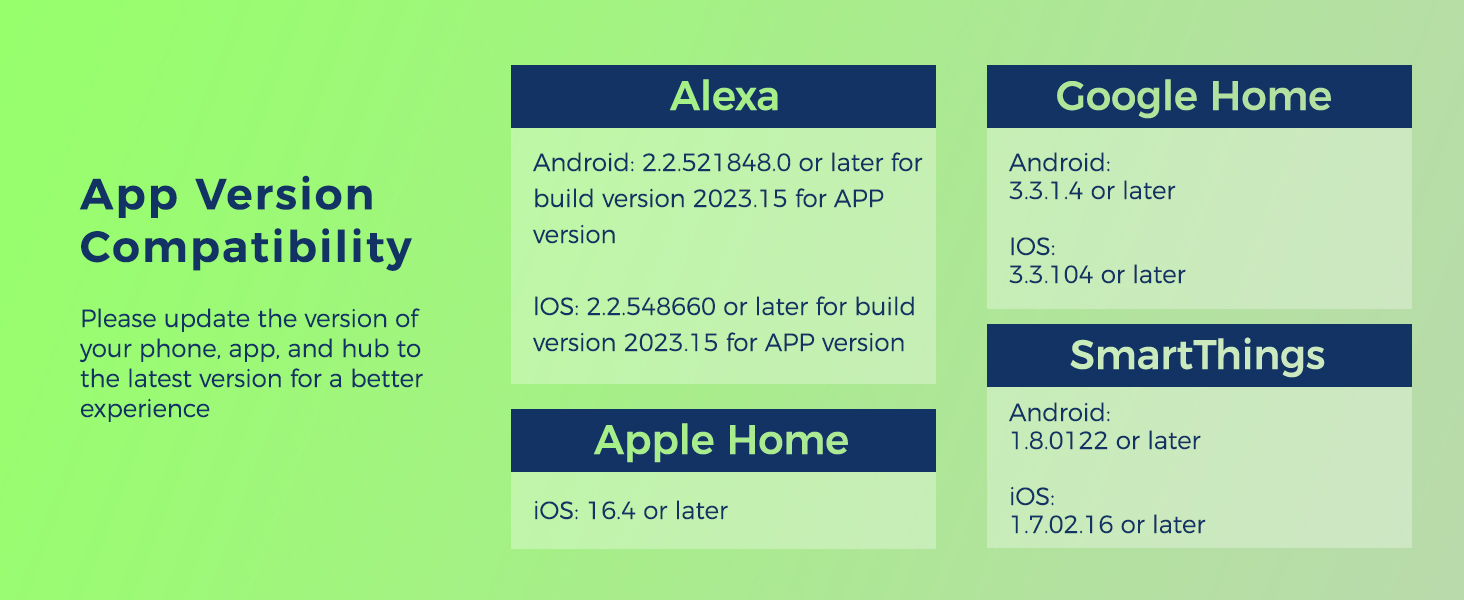
Matter Compatible: The Matter-certified smart plugs are directly compatible with Apple Home, Alexa, Google Home, and SmartThings platforms, eliminating the hassle of downloading a third-party app.
Easy Setup: For initial setup, 2.4 GHz WiFi and a hub like Echo is required. Just scan the QR code on the plug or user manual to finish the next instructions in an app. Once configured, effortlessly control your Matter smart outlet plug using voice commands
Smart Control: Enjoy a hands-free life with voice commands at home or remotely control your WiFi plugs via apps while away. Even automate your WiFi outlet plugs individually or in a group using the routine, schedule, timer, and other smart functions
100% Privacy: With Matter, these smart plugs work within your local network (LAN) to ensure your data is secure. Your privacy will always be kept in your personal network and not be disclosed to others
Offline Control with LAN: With the Matter protocol, these smart plugs can communicate directly on your local area network (LAN). This means if you finish setup, you can control your Matter plugs even when your internet is offline
8 reviews for Lightinginside Matter Smart Plug, Compatible with Apple Home/Siri/Alexa/Google Home/SmartThings, Smart Outlet Socket, ETL Listed, APP Remote Control,Timer&Schedule, 2.4G WiFi Only, Hub Required, 4PCS
Add a review
$18.99
Angel Duarte –
Matter Matters
Glad to finally find reasonably priced Apple HomeKit compatible smart home accessories that are EASY TO SETUP and THAT WORK!
DG in Chicago –
Easy setup on Apple Home too
Setting up each one on Apple Home was a breeze. Automating, scheduling is easy. Voice control. The works. I’m getting another set. Good product.
nycdesigner –
Best value smart plug on Amazon! One caveat.
Updated:I’ve used many different smart, plugs and paid different prices, but I just found these and needed a couple more, and they are the best value now.Firstly, they took less than 30 seconds each to activate and name in Home app. Thank you Apple, too.No app needed other than your HomeKit, Alexa, or Google… Whatever flavor you like. It doesn’t use a 3rd-party app, which led me to call Customer Service to ask about updating its firmware if no app. Other plugs I have use another app to update firmware, when available.Their CS will get back to me but he was excellent and never heard the question before so was curious as well.Update: no firmware upgrades possible. No app planned. Also one design issue is you cannot plug two into a standard outlet. Unlike the rectangular version allowing “stacking,” the round shape is too wide to allow another alongside and also limits other plugs that could be used in second outlet.
Dave –
Easy to add to Google home
The outlets shipped fast and they are so easy to add to my google home routines, no more 3rd party apps.
WSWIII –
Wants Alexa only
Will not work without Alexa. Smarr Things finds it but won/can’t control it. JUNK it’s going back
Amazon Customer –
ETL and Matter!! Alexa Setup Easy. No “Tech” Experience Needed If You Have An Amazon Device.
ALREADY EXPERIENCED WITH MATTER OR IOT DEVICES? Just Read This….The info on these is that they are easy to setup with the Alexa app. Unlike some other devices, Alexa auto-recognizes these correctly as “Espressif Systems Smart Plug” when they are turned on and the Alexa app is open to the devices page.To get the plug into setup mode, hit the small button on the side of the device. The light should start flashing blue. Note that the light is around the on/off button, not at the top. The light is only one color – blue. So not green/red/blue like more expensive options. The light flashes when the device is on but not connected (aka setup mode), is a solid blue when on and connected, and just off when off.Stacking these in a standard duplex outlet electrical wall plate is tight. But there is plenty of room for a standard plug above or below this device.The outlets have the Lightinginside name printed on them, so if you love them and want to buy more, or if they fail, you don’t need to remember (not happening) which company you got that plug from.Oh yea, and the most important thing to me (after the device working I mean)?? the matter code is actually printer, YES PRINTED on the outlet. It’s not some sticker on the the box, or on a thermal label that will fade in a few months. Actually printed. Wonders never cease.NEWBIE SETTING UP WITH ALEXA? HERE”S WHAT I DID.1. First if you have a ring camera, an Alexa device. or a Firetv, you’re good to go with these plugs. (That covers the whole 2.4GHz and Hub discussion.) Skip to step 3.2. If you don’t have any of those devices and maybe you use Xfinity for WIFI (they provide the little box for you), you can get an Alexa dot, set that up and then set these up.. Go ahead. I’ll wait…. (Xfinity consumer class internet devices broadcast in 2.4GHz by default.)3. Open the Alexa app on your mobile device (download and install it if you haven’t already. Login with your Amazon login.)4. Plug one of these plugs directly into a wall outlet (not a power strip). Hit the small button on the side. A blue light should start flashing blue.4. On your Alexa app, go to the devices page. It might say something about a newly discovered device called Espressif Systems Smart Plug. But regardless, hit the Plus sign in the upper right hand corner to add the device. Follow the instructions. Make sure the device is “on” and that the blue light is flashing,5. The Alexa setup process will say that it has found Espressif Systems Smart Plug #1 (or something similar). That’s this plug.6. The only weird thing is that about halfway through, setup will tell you to scan the matter code on the outlet. Yes, you can unplug the plug from the wall outlet, quickly get the code from the bottom of the plug into the alexa app (when the camera view shows in in Setup), and replace the plug into the wall outlet and continue with the setup. The rest is easy of setup is easy.Congrats, you are now an experienced Matter setup tech! Now, go help your parents.
MediaKid –
They get the job done, not ideal product
These plugs do work however they seem to have compatibility issues and network discovery problems tested across multiple networks. They seem to find a wireless connection with the Wi-Fi router, but either don’t fully establish it or aren’t able to connect to the network discoverable smart home platform, such as Apple, Home or Alexa.
Jason –
Very easy to set up with Alexa. Requires a home IOT system, no app control
First thing I noticed was that there was no app. At first I was disappointed. But over time I’ve warmed to it.One, because I do have an Alexa and only recently have started using it more. I had just bought a dot for the room where I use one of the outlets, so it all worked out. And I realized. I have a lot of devices and many have their own apps. And it gets annoying to have different apps for so many different devices. And those apps aren’t always very well designed. So this avoids that.But to state clearly- You must have some kind of home Internet of Things (IoT) setup: Alexa, Google Homekit, etc. That is the only way to remotely control these.Setting up with Alexa was surprisingly simple. The Alexa app recognized the device immediately, I didn’t even have to go to ‘add device’. Adding was quick and painless. And honestly, even after renaming it, to something simple of course, Alexa recognizes the voice command very well. I’ve always had issues with voice commands, so much so that I don’t even bother with them. Lights, filters, etc. But a quick “Alexa, turn of the office plug” (or ‘lamp’) and it goes right off.So I’m impressed. No complaints.