

Samsung 32” Smart Monitor M7 (M70F) 4K UHD Display, Samsung Vision AI, Smart TV Apps, Gaming Hub, USB-C, HDMI and USB-A, Black, LS32FM702UNXZA, 2025
$229.99
Related Products



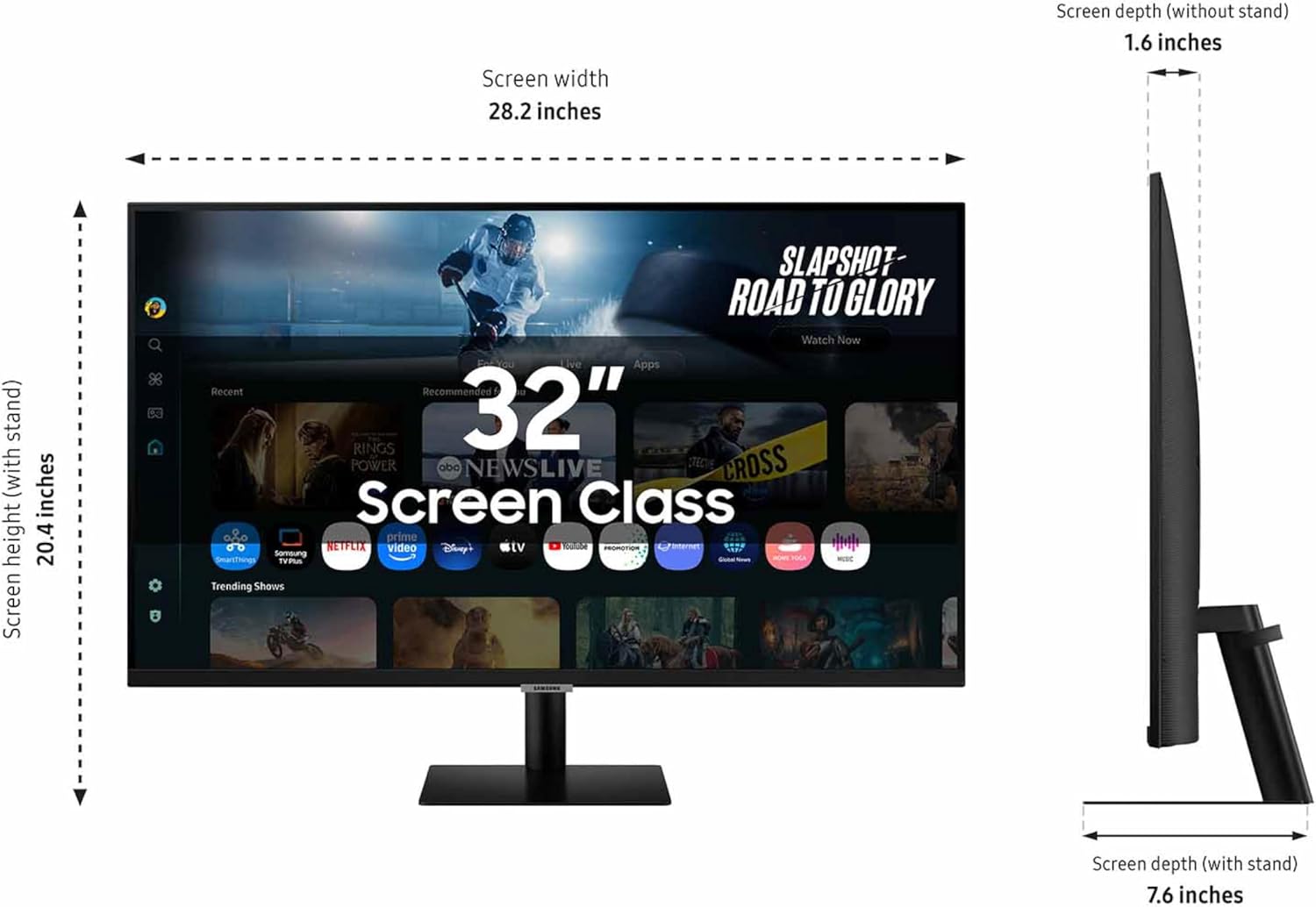
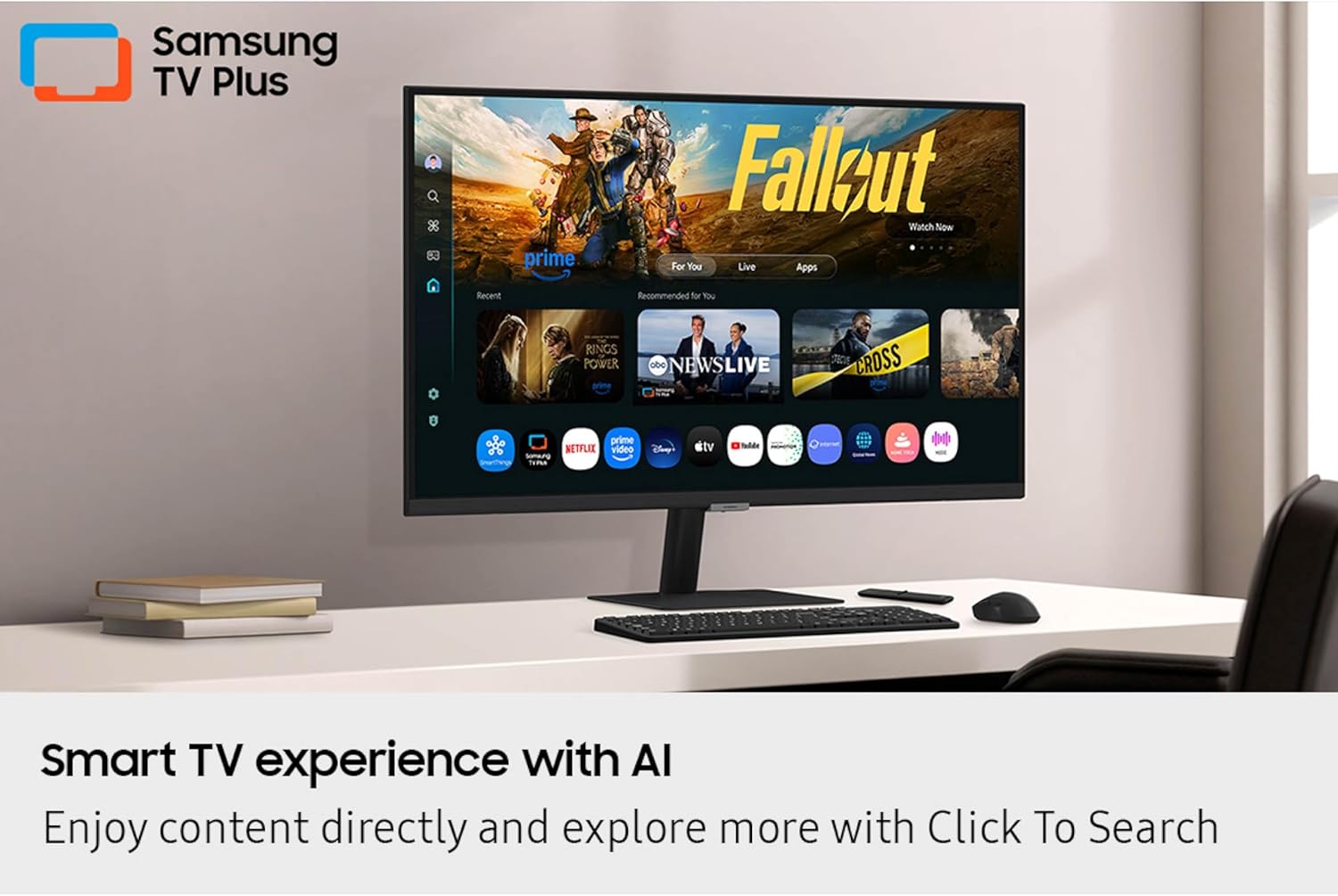


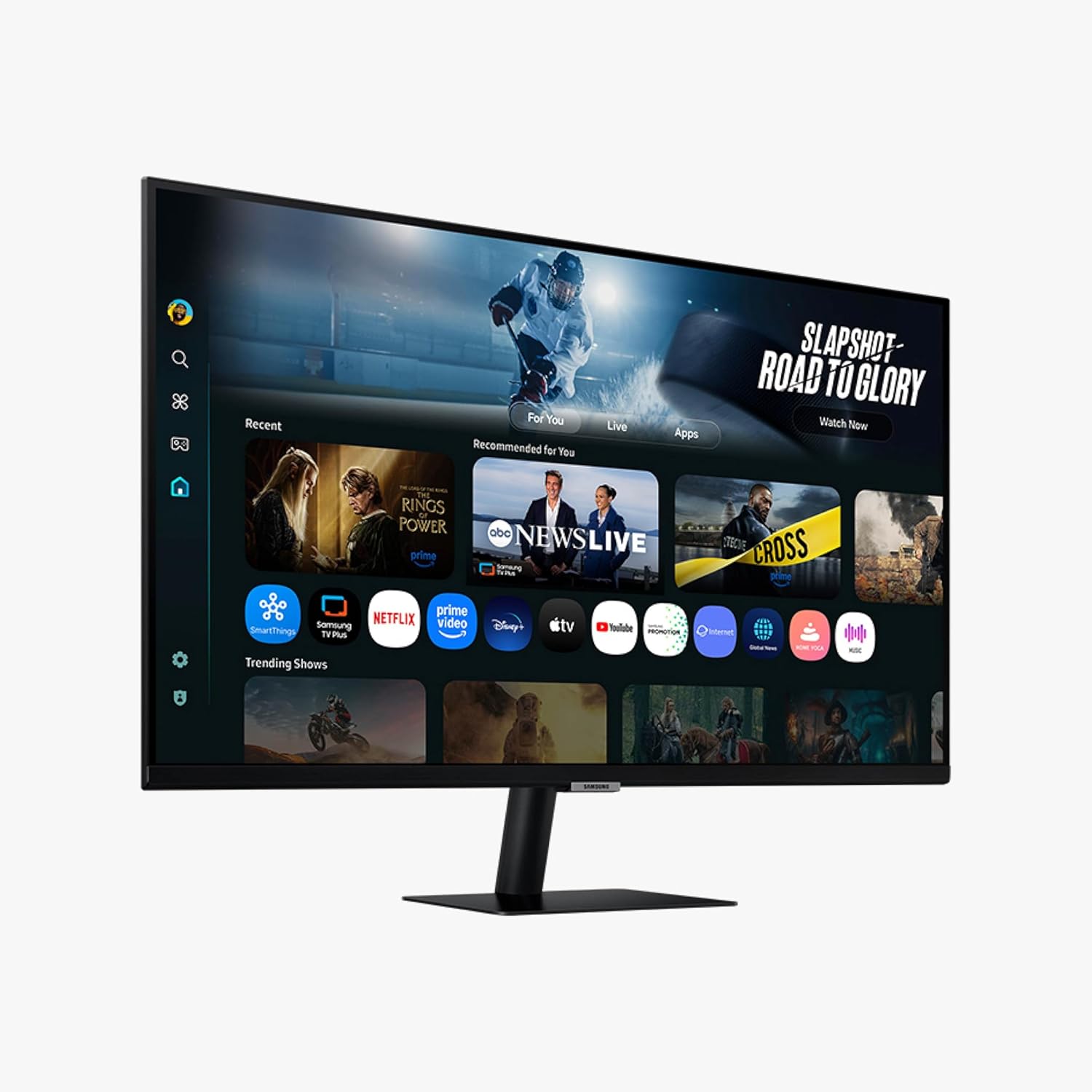
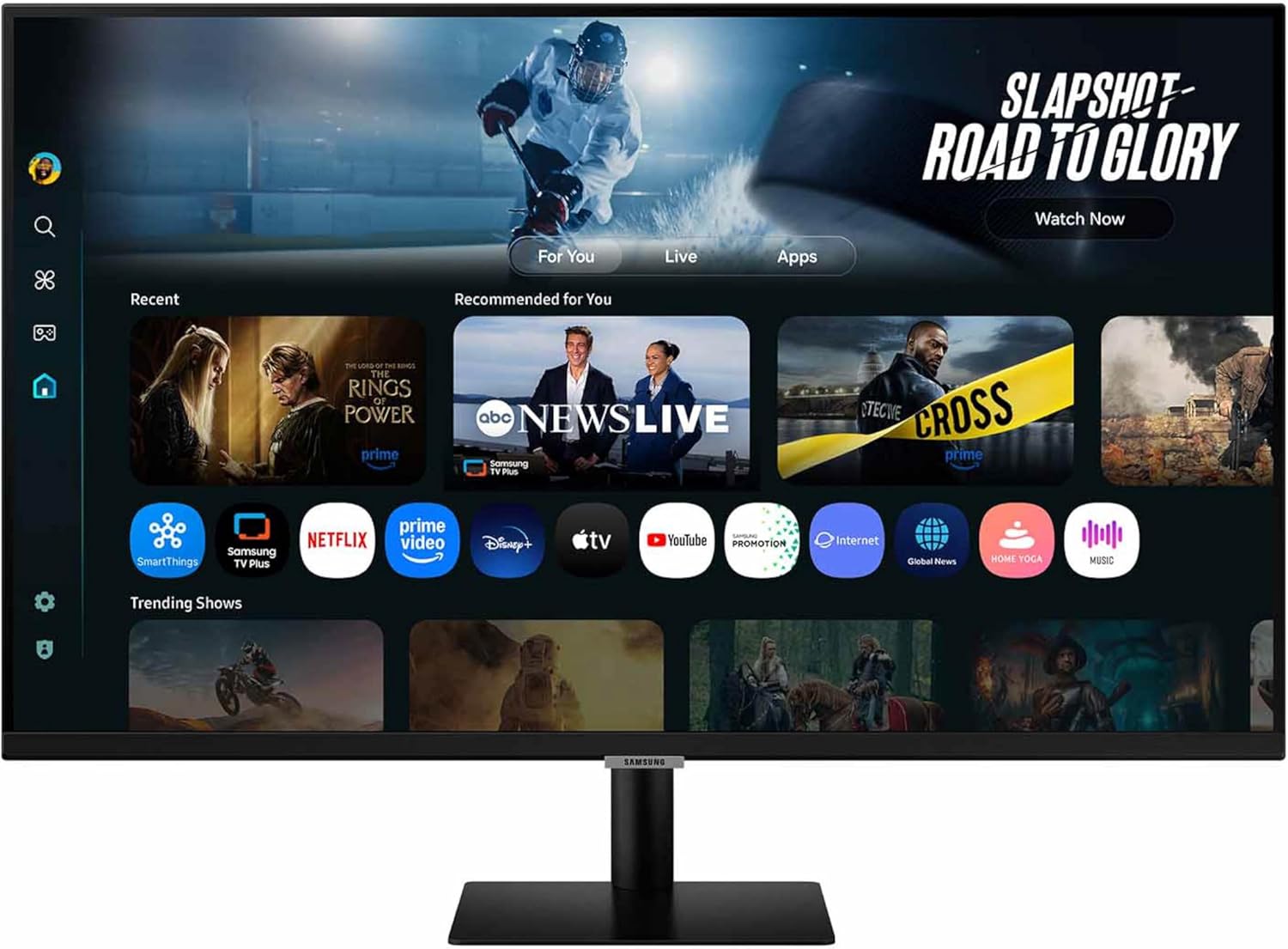


Samsung’s 32” M7 Smart Monitor brings AI-powered intelligence to your setup with smart features that adapt to how you work, play, and watch. Smart TV Apps provide instant access to content, and Samsung TV Plus offers additional streaming options. You can launch shows, movies, and more without needing a separate device. The AI Picture Optimizer adapts the visuals for optimal quality whether working, gaming, or watching videos. SmartThings enables control of connected devices, turning the monitor into a central IoT hub via mobile or voice command. Knox Security keeps data safe and confidential, plus it enhances the security of IoT connections made through the Smart Monitor. The 4K UHD display brings content to life in vivid detail with incredible clarity. Active Voice Amplifier adapts to noisy environments and automatically adjusts volume. Click-to-Search offers content details. Gaming Hub enables access to the biggest games from top streaming partners with no PC or console needed.
¹Features, services and app availability may vary by country and region. Samsung TV Plus and Universal Guide may not be available in some regions. Some features may require separate subscriptions. The user interface is subject to change without notice. This Smart Monitor does not include a TV tuner, which is not necessary for streaming apps. Internet connection is required. Remote control specifications vary by country and region. Keyboard and mouse control compatibility varies by app. Access to the full range of smart features, such as network-based services, applications (including games and streaming services), and smart home functionality, requires a Samsung Account. Without logging in, functionality is limited to external devices, e.g. via HDMI. You can sign up for a free Samsung Account at https://account.samsung.com. Terms and conditions apply. ²
INSTANT ACCESS TO YOUR FAVORITE STREAMING CONTENT: Stream content directly from your monitor, or tune into Samsung TV Plus to get live channels and on-demand content.¹
OPTIMALLY TAILORED VISUALS WITH AI: Experience optimal picture quality adjusted to your needs.² AI Picture Optimizer adapts the visuals to help you work on documents with comfort, get fully immersed in games with deep and rich blacks.
SIMPLE CONTROL FOR YOUR SMART HOME: See your smart home devices in a 3D Map View and manage them with ease.³ You can also check the energy usage and cost by device, and save money by putting them in energy-saving modes.
YOUR PRIVACY. SECURED ON SAMSUNG MONITORS: Keep your monitor data safe and confidential with Samsung Knox.⁴ Its robust, multi-layered security and tightly controlled access also enhance the security of your IoT connections made through your Smart Monitor.
ENJOY YOUR CONTENT IN VIVID DETAIL: Watch your content come to life with incredible clarity.⁵ 4K UHD resolution enhances even fine details in images and videos, making worlds feel more vibrant and realistic.
ADAPTS TO NOISY ENVIRONMENTS: Hear words clearly with AI technology.⁶ Active Voice Amplifier analyzes background noise around the monitor and automatically adjusts the volume of your content, so you can catch dialogue effortlessly – even in loud settings.
DISCOVER WHAT’S ON YOUR SCREEN: Enrich your viewing experience with Click to Search.⁸ With just a click, you’ll instantly get content recommendations and details on what you’re watching – so you can explore actors’ biographies, filmographies and more.
WHERE GAMING COMES TOGETHER: Access the ultimate gaming realm.⁹ In the Samsung Gaming Hub, you can play the biggest games from top streaming partners, with no PC or console needed. Discover new games or replay old favorites all in one place.
13 reviews for Samsung 32” Smart Monitor M7 (M70F) 4K UHD Display, Samsung Vision AI, Smart TV Apps, Gaming Hub, USB-C, HDMI and USB-A, Black, LS32FM702UNXZA, 2025
Add a review
$229.99
Tony E. –
Big, Bold, Sharp… Awesome.
This thing is BIG.For my daughter’s birthday. To replace a 32″ and a 27″…First reaction, after setting it up. was.. Holy!!!! And we started giggling. I had to put on my cheaters to read it. This thing is BIG, BOLD and BEAUTIFUL.After setting it up, I came back to my desk where I have a curved 35″. My first reaction was… “Darn, this thing is SMALL”.Wife doesn’t want me to get one for myself. Sure, sure… my birthday is coming soon.Two things about it ( and no stars deleted )..(1) It’s flat. So, you might have to move your head about more than on a curved screen. We have the LG curved screesn (34 and 35) and their curvature is perfect, not as much as the Samsungs that sort of put your head in a vice.(2) It’s big. You will need 26″ between your desk and any shelves about it. Also, a 40″ wide desk is the minimum. And if you want to put speakers at both sides of the desk, you will need 56″…(3) There’s about four inches from the bottom of the display and the desk and it sticks out about 7″ so you can put slide in things like a KVMswitch, small DAC, headphone amps, web camera, etc…Daughter says that at 60Hz it’s too slow for some of the fast action games, but for her -and 99.99% of us- this is a perfect desk. So, now, for Christmas, I need to shuffle my office to make room….I guess it will also make a TV since it has a bunch of apps and what not. I supposed we need to try the USB-C connection and wired ethernet. Right now we just connected it to our WiFi and a laptop to test it out.
orbitone –
Very Nice Monitor and TV and Weighted TV Stand
The TV is very nice since I am only using it for a TV at my place I bought it for the Stand that it comes with it’s a Center Stand and it’s weighted down very good for thatBut the Picture Quality for using it for aTV is a little Washed Out Picture but still a very nice Picture Good Quality
Brian P. Reczek –
Great monitor/Streaming TV
So far so good. We have had some trouble making it an extended monitor but that might be due to the docking station we used. Say great color and streaming ability with a very clear screen. Easy setup in general and had good gaming performance with a switch connected. Happy with it so far.
J. Yu –
Great monitor for the price
I am ordering this as a replacement monitor. It was annoying to set up because it desperately wants to be a smart TV, and so had to look up how to override the TV settings and adjust the settings. It has poor blacks and the contrast is middling, but the resolution is crisp and the screen real estate is top notch for work. In also happy because the price is very good.
A. Doucette –
Really nice features – works as USB-C docking station
Bought this as a monitor and it turned out to be better than I expected. For me the best part is the USB-C and the monitor acts as a docking station. I can now have ONE cable plugged into the back of the monitor and when I plug it into my laptop it both charges the laptop (from monitor power) and runs the display. There are four USB-A ports on the back of the monitor for plugging in peripherals like wireless keyboard and mouse receiver. Now my desk is simplified and decluttered with just the one cable showing. Works well as a monitor. Also has smart TV features built in and connects to wifi for that. Speakers are better than most monitors (which of course is not as good as larger external speakers).
Justin O. –
This is NOT a monitor.
There’s a HUGE difference between a monitor and a TV. This is NOT a monitor. I want to go as far as to say that this product is false advertising. Can you use it as a monitor? Yes, you can use any tv as a monitor.. But picture quality is vastly different. The picture quality is so blurry when using it as a monitor because you have to sit much closer to it than you would a tv screen. You can see the pixels very clearly and the blur is just painful on the eyes. If you intend to use this for a tv, it’s a great product. But as a monitor, it severely falls short. Needs to be labeled as a tv!!
Tiffany Hart –
I wanted a beautiful TV and found it!♥️👍
I bought this to use this as a TV – PERIOD. I wanted a TV with a pedestal in the middle as my setup required it. And it is fantastic! It was very simple to setup and I had it up and running in 30 minutes. The picture is beautiful and I couldn’t be happier!♥️👍
Andrew R –
Probably good for some users but not as a simple external laptop monitor.
This monitor tries to be everything at once: a computer monitor, a streaming device, a gaming display, and more. If that’s what you’re looking for, you might enjoy it. I just want a simple computer monitor—and that’s where this falls apart.The built-in operating system interferes aggressively with basic monitor behavior. Instead of automatically displaying my laptop when I plug it in, I have to use the remote every single time to tell it to switch inputs. It’s slow, annoying, and completely unnecessary for a product marketed as a monitor.It includes a built-in USB-A hub for a mouse and keyboard, but in my setup the monitor takes control of the mouse and will not pass it through to the computer at all. I had to plug the mouse directly into my laptop to use it. By comparison, I have an LG monitor with multiple inputs and a USB hub that simply stays on the selected input until I tell it otherwise—no fighting the software.To make matters worse, there are no physical controls for brightness, contrast, or color. The picture quality is acceptable, but it’s overly bright and lacks contrast, and I can’t adjust it without using software or downloading an app. I’m not interested in installing an app just to control basic monitor settings that should be accessible on the device itself.Because of the constant friction caused by the smart OS and the lack of basic physical controls, this monitor gets a low rating from me. If you want a “smart TV–monitor hybrid,” this might work. If you want a straightforward computer monitor, look elsewhere.
Steve –
I was worried that this device’s “smart” features would get in my way, bombarding me with all sorts of stupid menus and stuff. But in regular use it does not. In the “setup” phase I deliberately skipped everything to do with wifi and online services. What a dumb bunch of “smart” to include on a computer monitor – it is, after all, connected to a computer which should already be able to do all that crap if I really want it.I bought it because I really wanted to maximize my screen real estate for music production in Logic on my Mac. A couple years ago I bought a 32” LG 4K display, and was disappointed when I tried to run it at full resolution because everything was too small on the screen to be legible. With this 43”display I can work in full 4K and it is very usable. The picture is vast and sharp.I have noticed when standing up in front of my desk and viewing the picture from above, the contrast is noticeably washed out, worse than other monitors I’ve owned, but I have never had a monitor this big. For me a little off-axis contrast deficiency is a worthy tradeoff, since I generally don’t do any colour/graphic work.The pedestal has no height adjustment, although it does offer a small amount of diagonal tilt abd side-to-side pan.The included remote control is small and light – unlike typical Samsung TV remotes. I don’t mind being forced to use it (the monitor has no front panel controls), but I’m sure I’ll be cursing when I inevitably misplace it from time to time over the next few years.I’ve only been using it for a week or so, but I’m 100% sure I’m keeping it. It performs as well as I could have wanted, and IIt’s the best value I could find in a monitor with these specs.
Salvador et –
BUEN PRODUCTO
ALEJANDRO PANTOJA CORTES –
Mejor de lo que wsperaba
Murray S. –
This monitor might have a resolution capable of UHD but Windows does not recognize it as a UHD monitor. Support from Samsung was useless. Told me to change a non existing setting on the monitor. I returned it.
Osky –
Muy buena calidad y muy intuitivo para su uso